This Article describes you how to create account in Versa Docs Portal.
Please follow below steps to create account on Versa Docs Portal-
STEP:1 Go the below URL:
http://docs-users.versa-networks.com:8000/output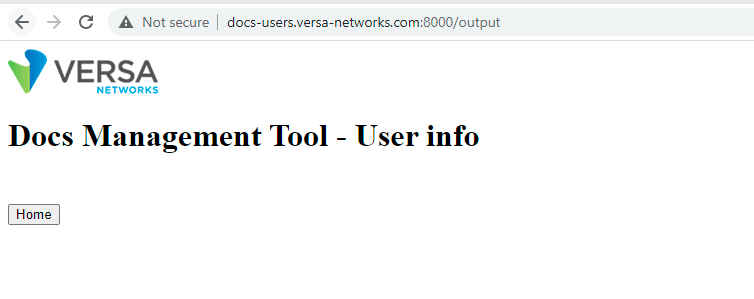
STEP:2 Click on home, and then you will see 2 options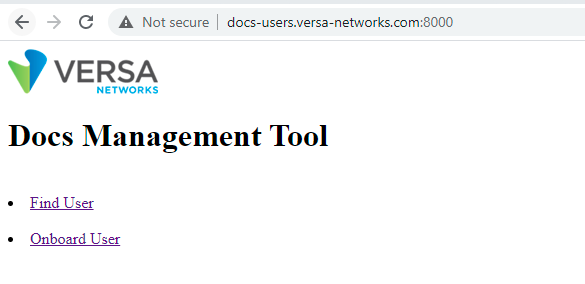
If user already registered, search with username(email-id) in Find User
If user is not registered click on Onboard User.
STEP:3 Fill the requested details and click submit.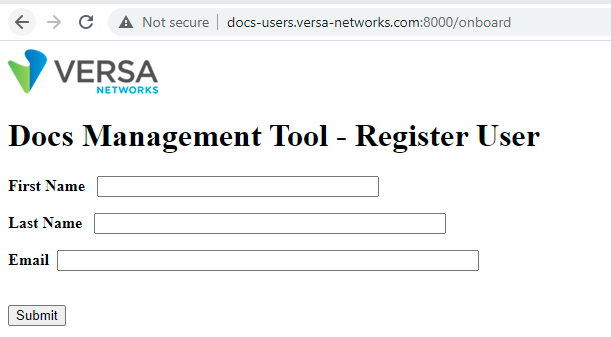
First Name- First name of user
Last name- last name of user
Email- Email address of user.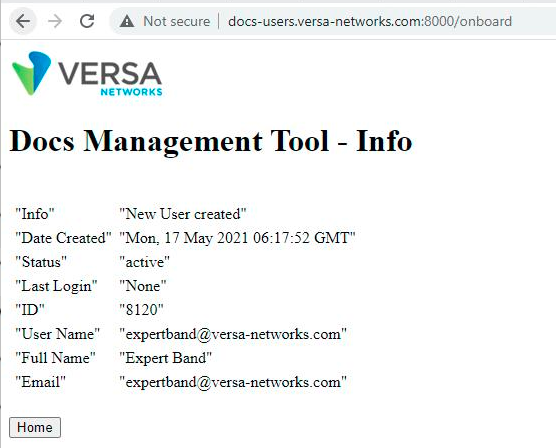
After these steps an automations sendsout the password reset instructions to respected email-address with instuctions.
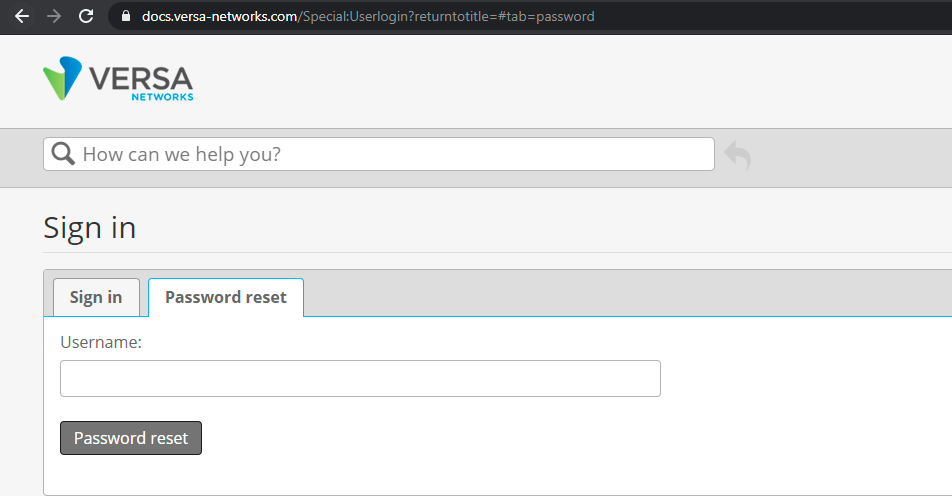
NOTE: If customer wants to reset their password, go to the below link
https://docs.versa-networks.com/Special:Userlogin?returntotitle=#tab=password
Enter the username (Email id of user) and click on password reset, Doing this customer will receive an email from
no-reply@mindtouch.us with password reset instructions