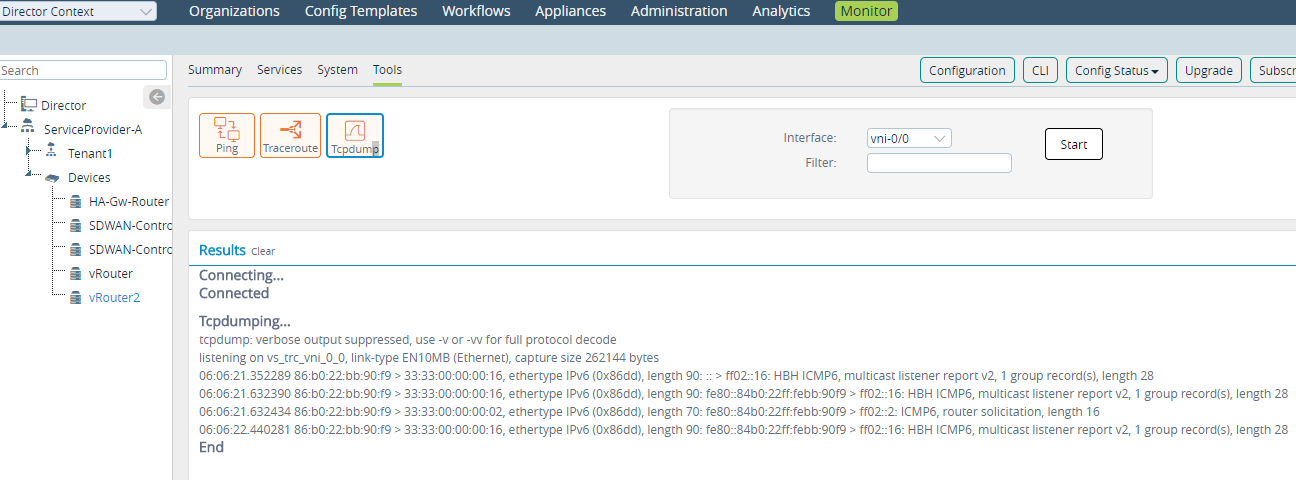
Problem
The tcpdump, ping, and traceroute functions do not activate when we click Start/Stop from the Monitor tab in the Versa Director.
Solution
Enable the www service in the branch configuration to resolve this issue. Follow these steps to enable the www service in branch configuration:
 NOTE: The www service is disabled by default.
- Select Versa Director > Appliance Context > Configurations > System to view the branch configuration.
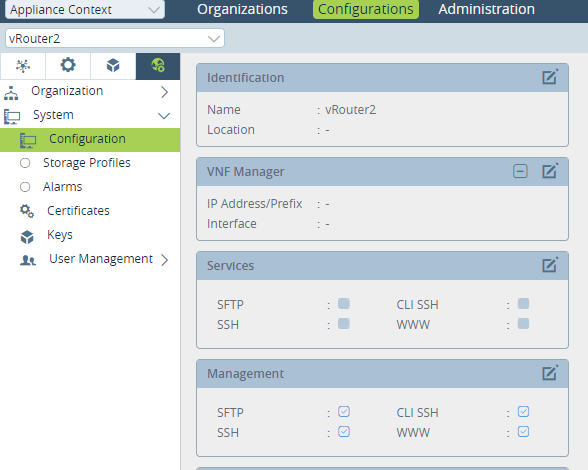
- Click
in the Services section to enable the WWW service.
The window now looks like this: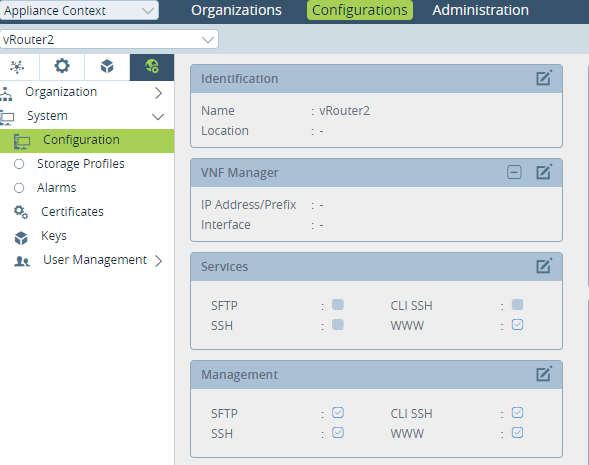
This resolves the issue and you can now start using the required functions.
Follow these steps if you get “Connected” message in Results section followed by the “Accept SSL certificate” error message:
- Click on the link to accept the certificate.
- Logout from the Versa Director.
- Login again to the Versa Director.
- The service is now connected and you can start using the required services.
Ping
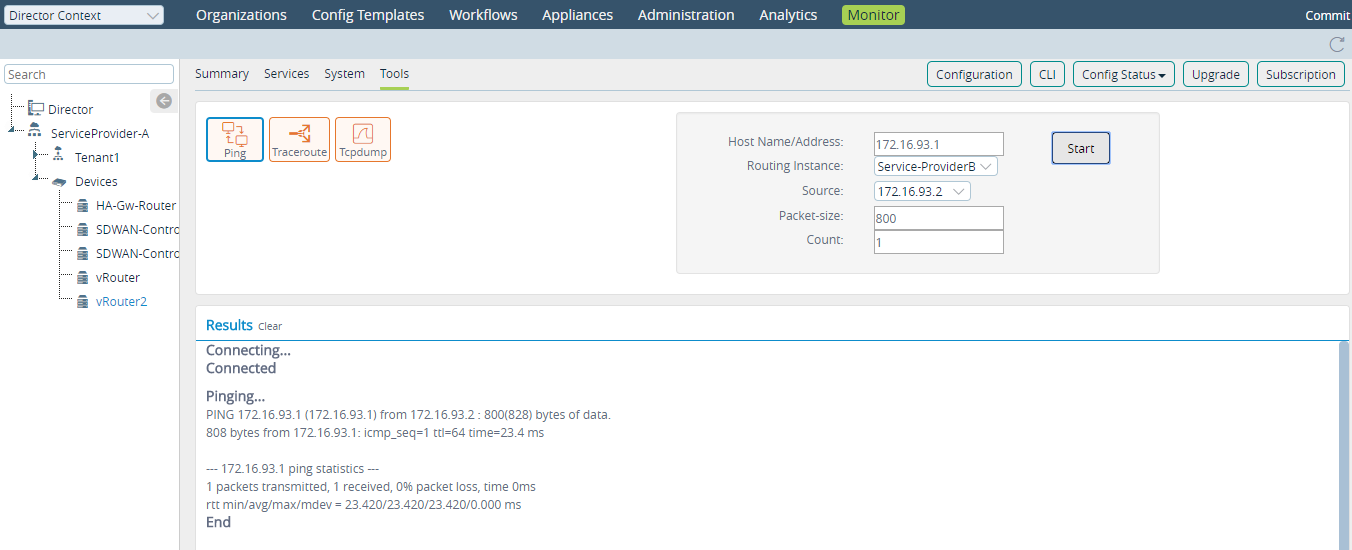
tcpdump