Overview
=========
A Cloud Access Security Broker (CASB) is a security solution designed to protect cloud services such as SaaS, IaaS, and PaaS used within an organization. CASBs act as a policy enforcement point—either on-premises or in the cloud—that monitors and secures data traffic between users and cloud applications.
By applying corporate security policies, CASB helps prevent data breaches, detect cyber threats, and ensure compliance with organizational and regulatory requirements. In simple terms, a CASB enables secure access to cloud resources by controlling, monitoring, and protecting how data is used in the cloud.
Prerequisites
===========
>Decryption is must
>Quic needs to be disabled by either blocking through security policies or disabling in chrome
Use Case
========
This article will help you understand how to control the traffic using CASB based on the applications.
Topology
========
SASE client>>>>>>>VOS(CASB)(Based on configuration Allow/Reject)
Configuration
===========
Step 1
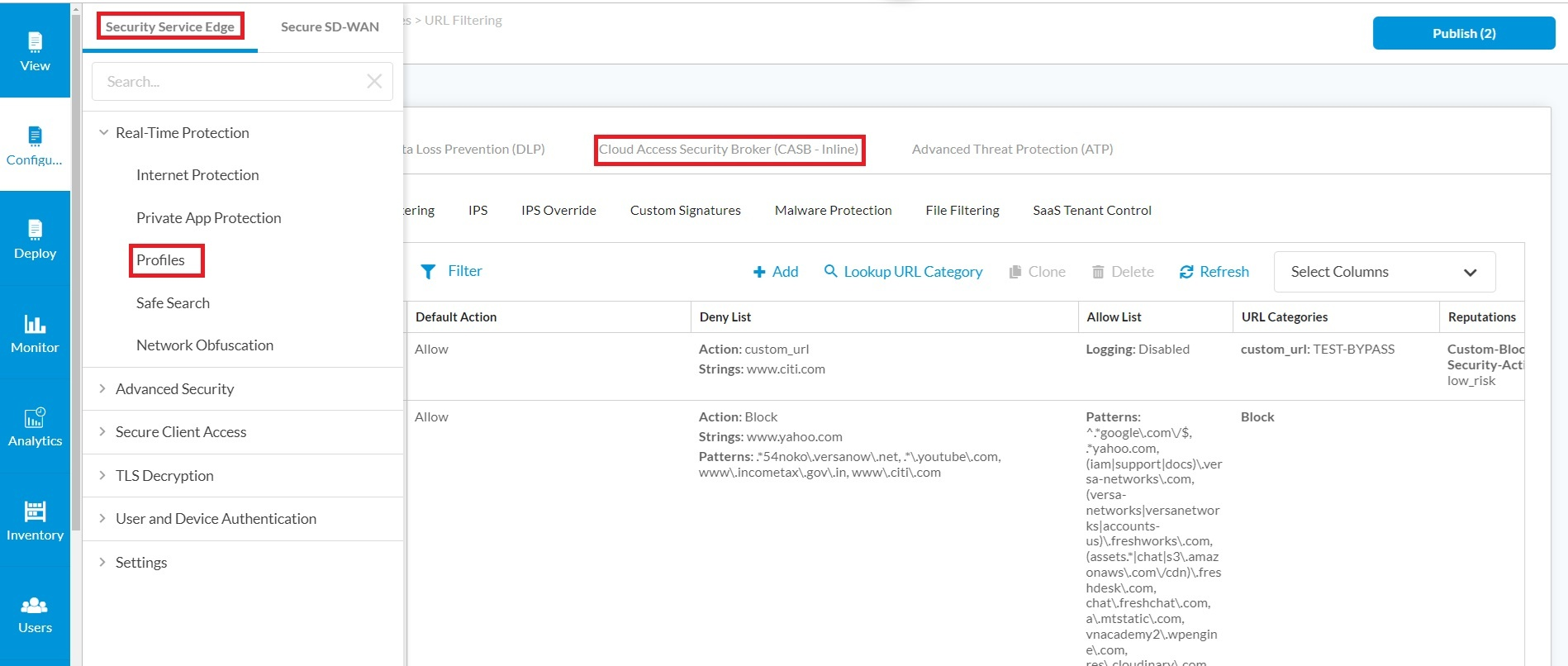
=====Login the Concerto and Select the Tenant Go to Tenant --> Configure-->Security service edge-->profile-->select Cloud Access Security Broke
Step 2
======
Click the Add rules option to create a CASB rule and select the applications we want to control.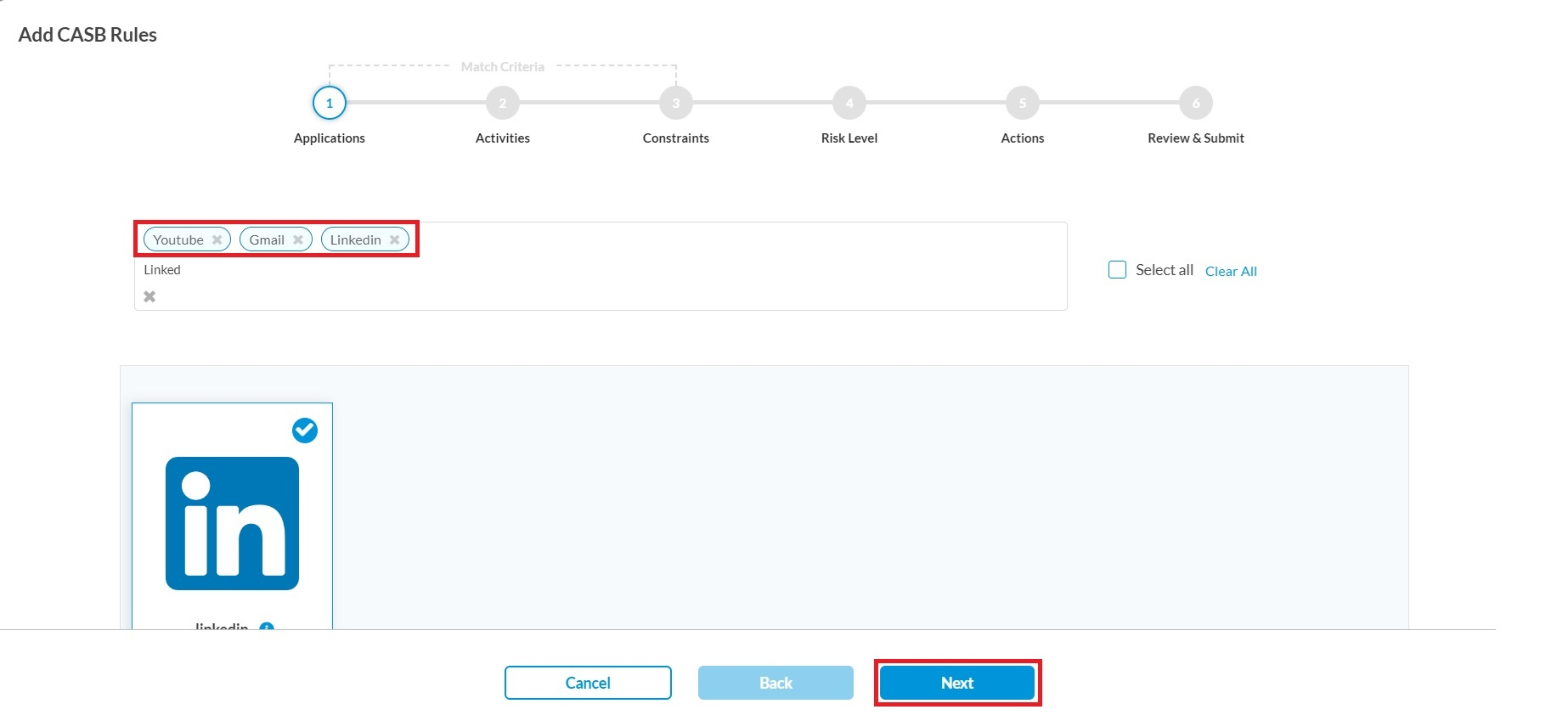
Step 3 (Optional)
=====
Go to the Activities field.
If you need to control this application traffic for specific controls you can select the available actions to be allowed/rejected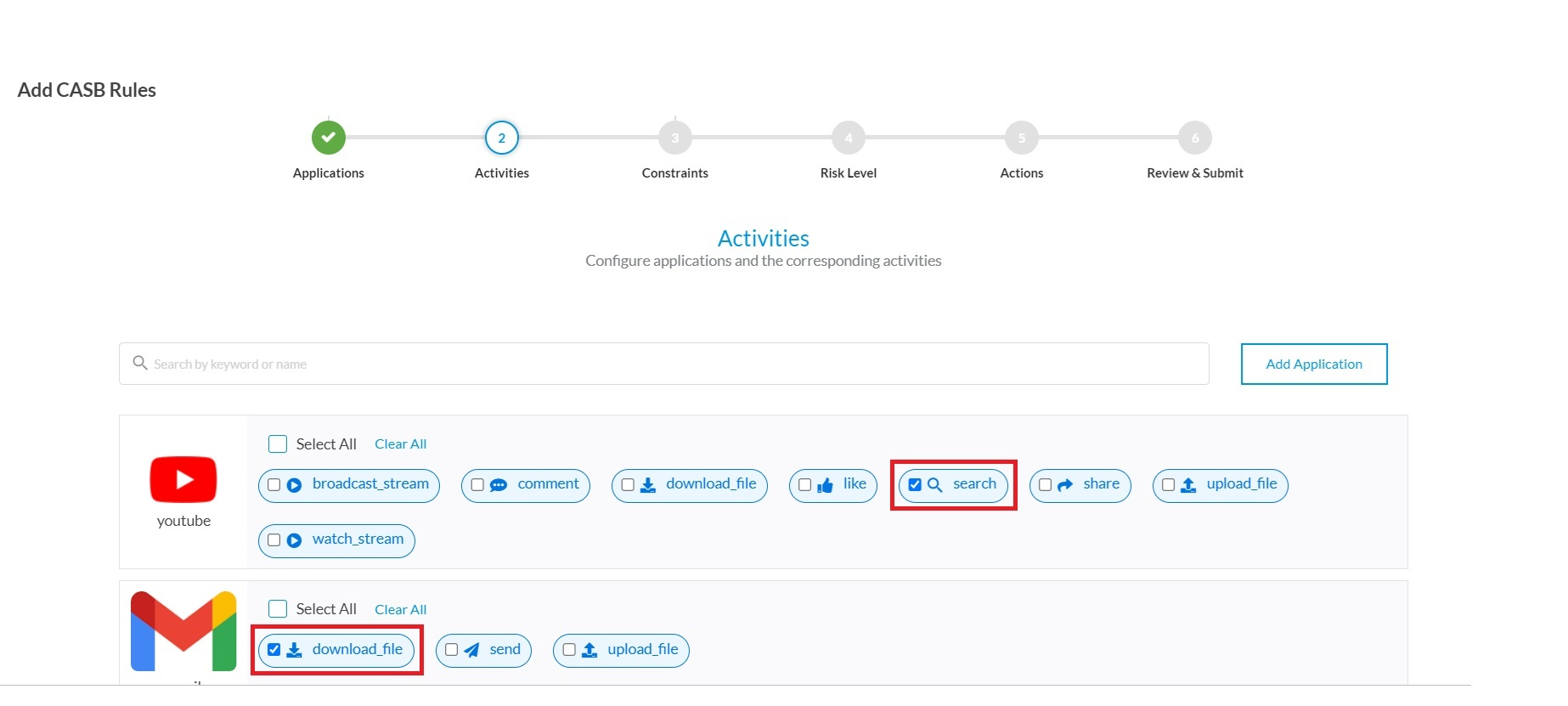
Step 4
=====
In the Actions Tab you can select Allow/Reject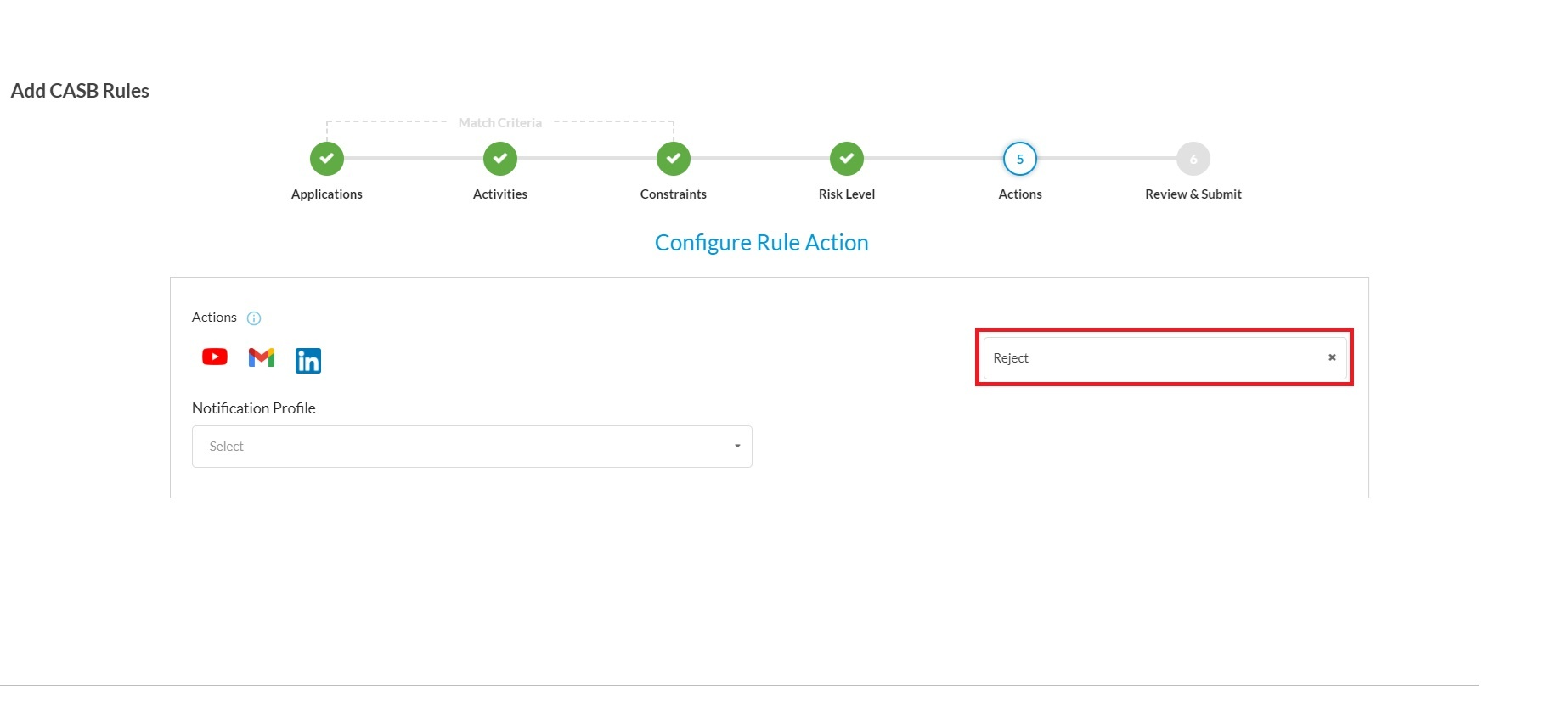
Step 5
======
Created CASB rule will be attached to the CASB profile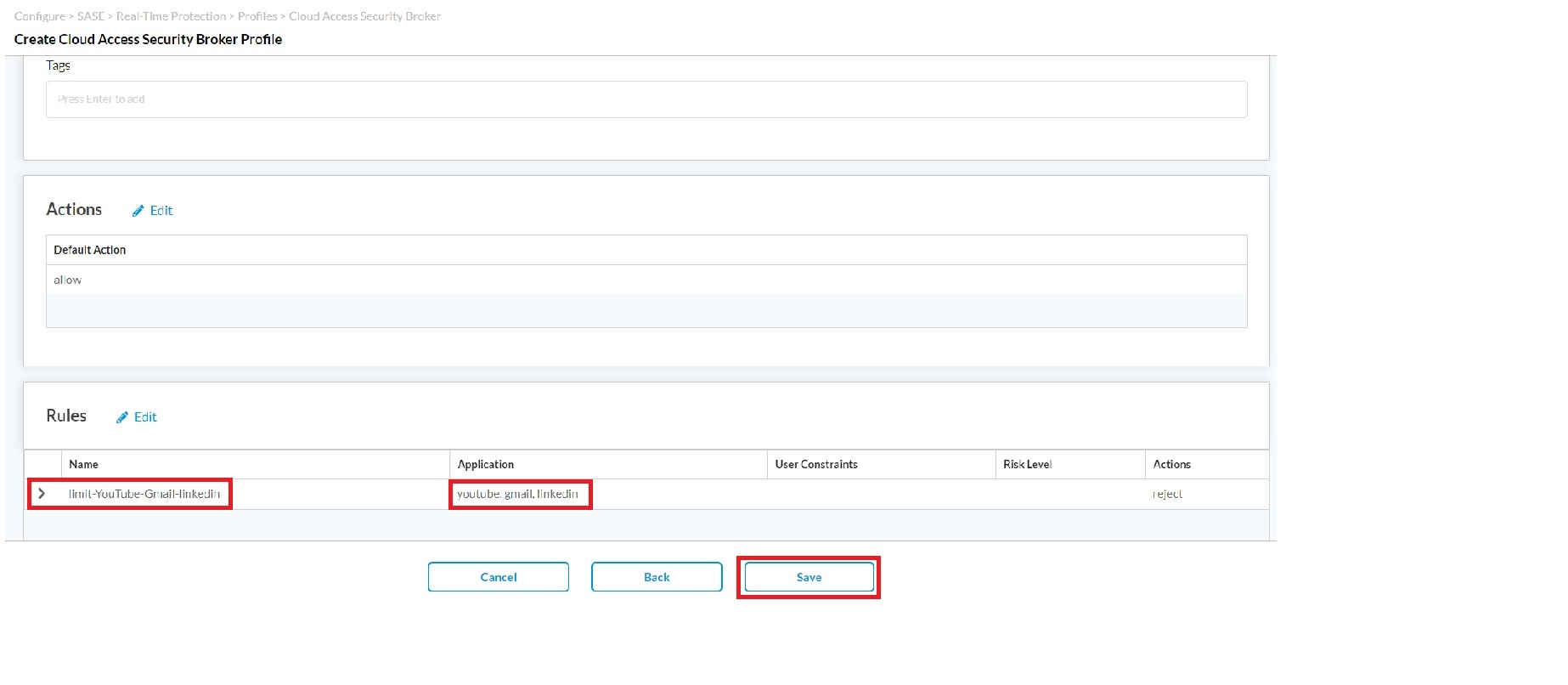
Step 6
=====
CASB profile should be added to the respective Internet protection rule so that it will come into effect and this can be configured for specific set of users.
Choose the User-defined profiles and select the configured CASB profile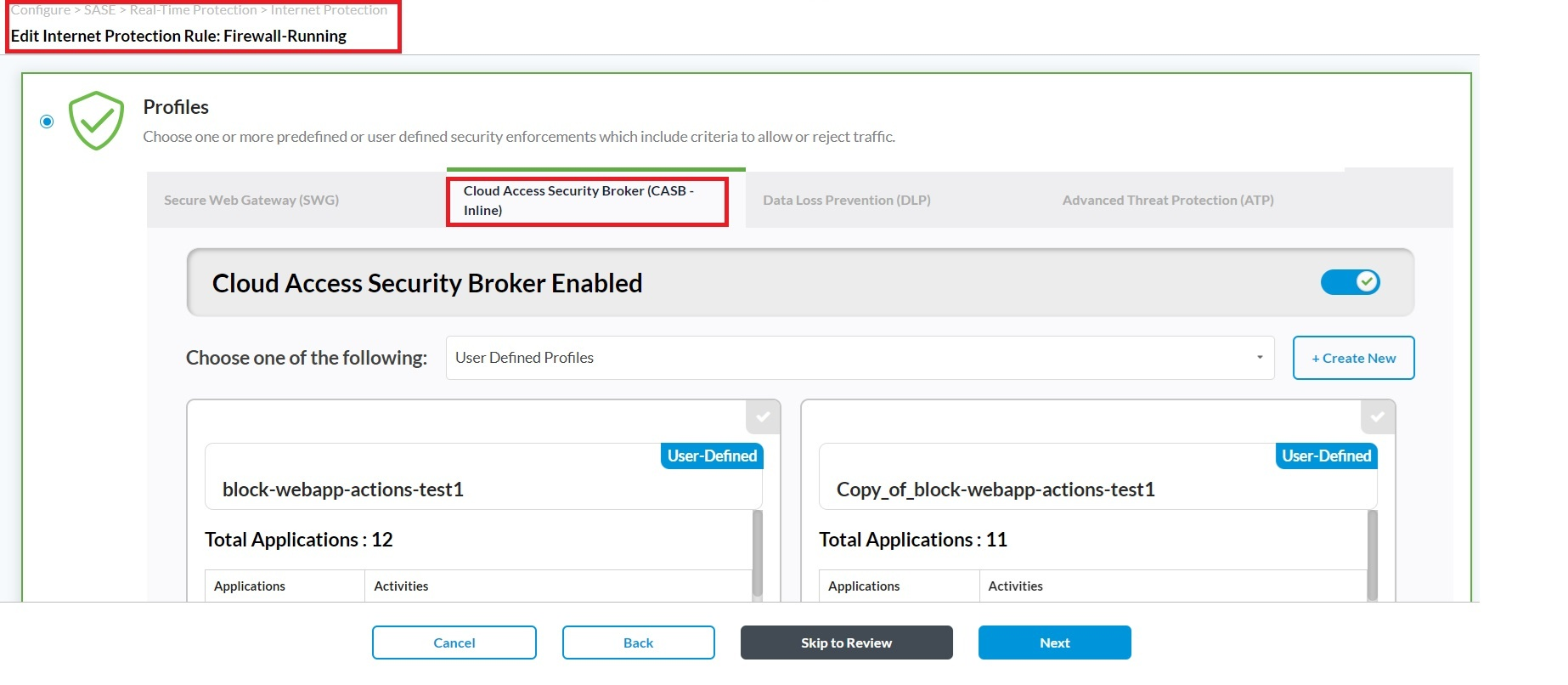
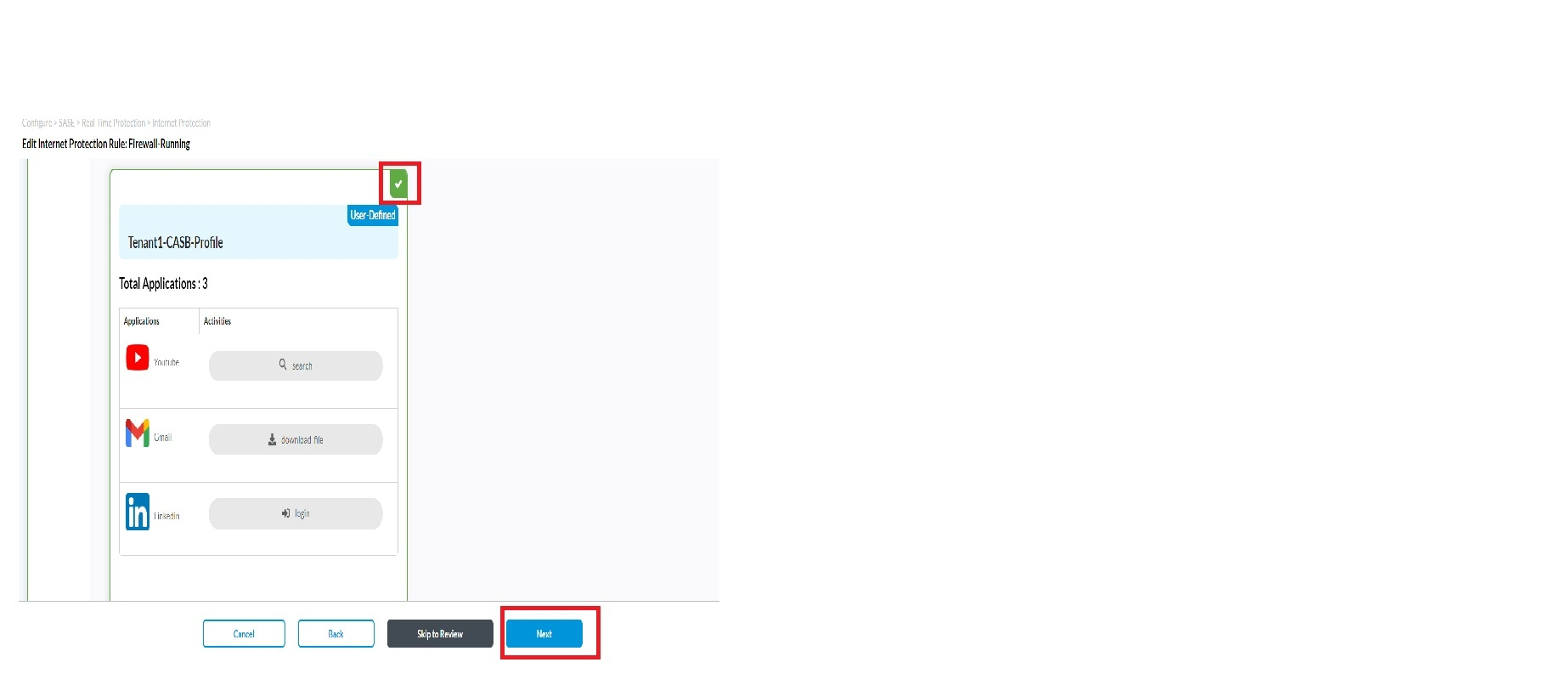
For testing purpose, we are going to block the following YouTube actions.
>Watch stream
>Comment
Statistics (Before traffic)
Watch stream Blocked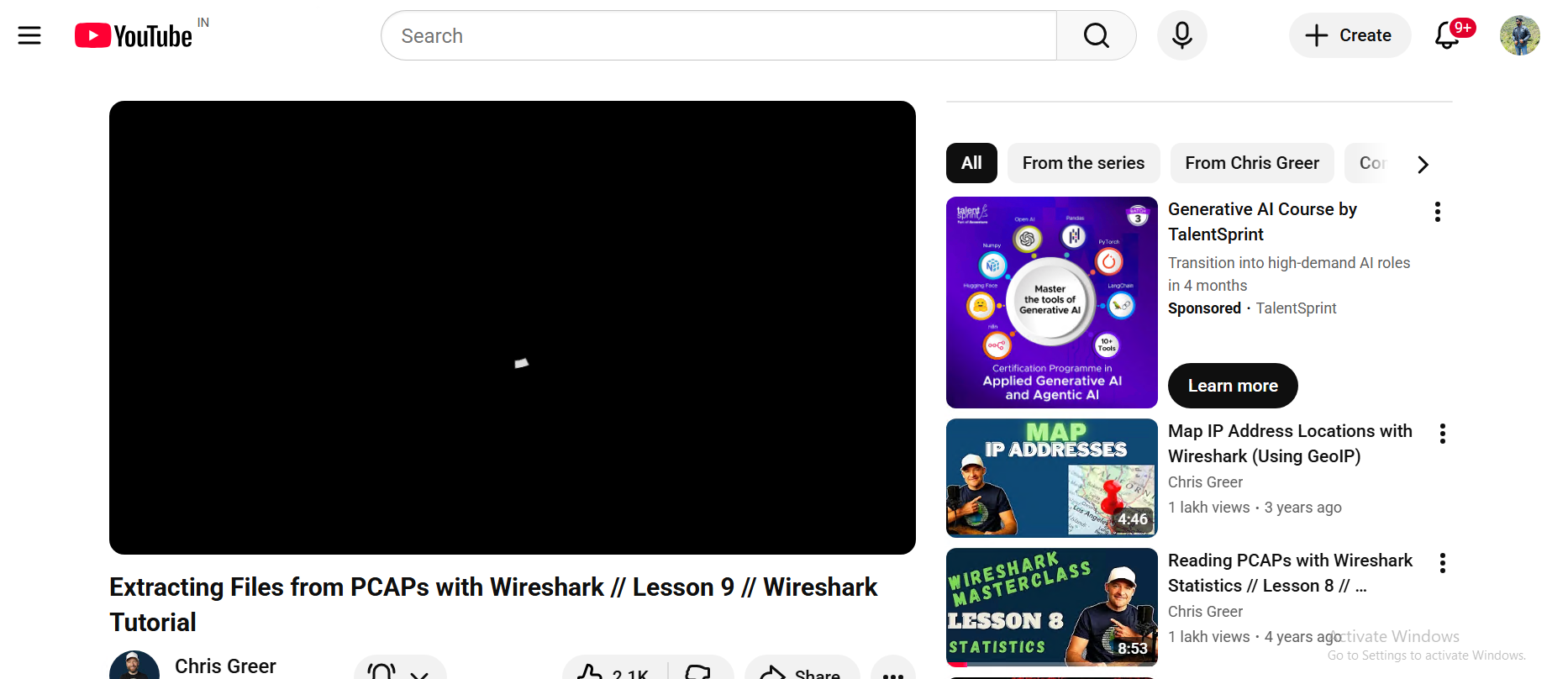
Comment section blocked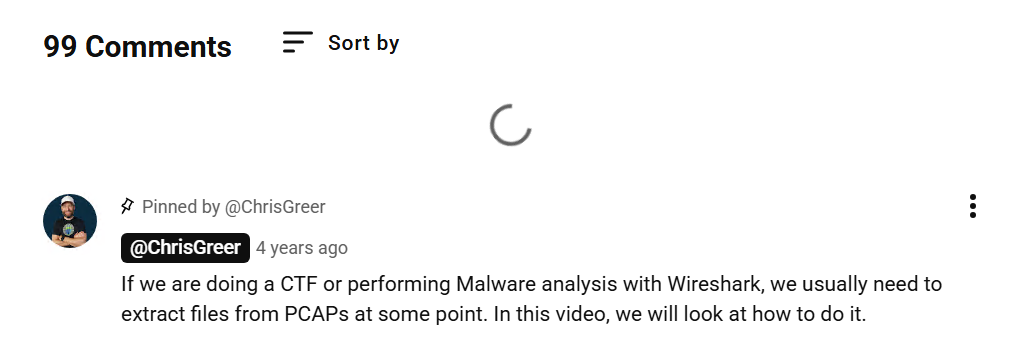
Statistics (After traffic)
Note:
.
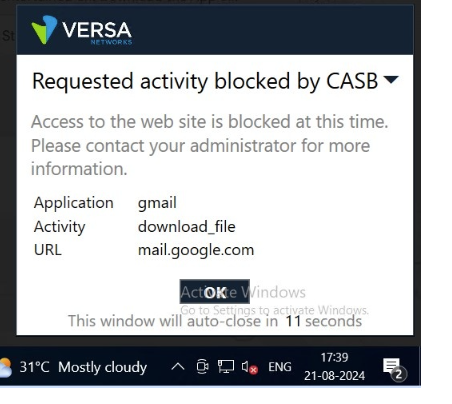
The above is for normal traffic so there will be no notification as the traffic is blocked. If we use versa SASE client then the notification will appear as below