This article describes the steps to configure NTP on Versa Analytics nodes.
Follow these steps to set NTP configuration in Versa Analytics via the CLI:
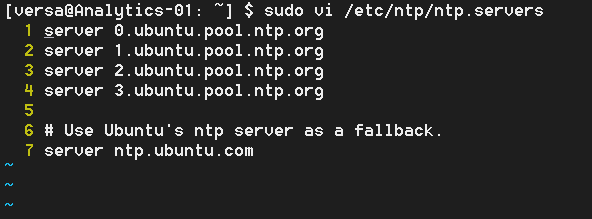
- Run sudo vi /etc/ntp/ntp.servers command to edit ntp servers file in Versa Analytics.
versa@versa-analytics:~$ sudo vi /etc/ntp/ntp.servers
- Add NTP server entries above the Ubuntu's default NTP servers:
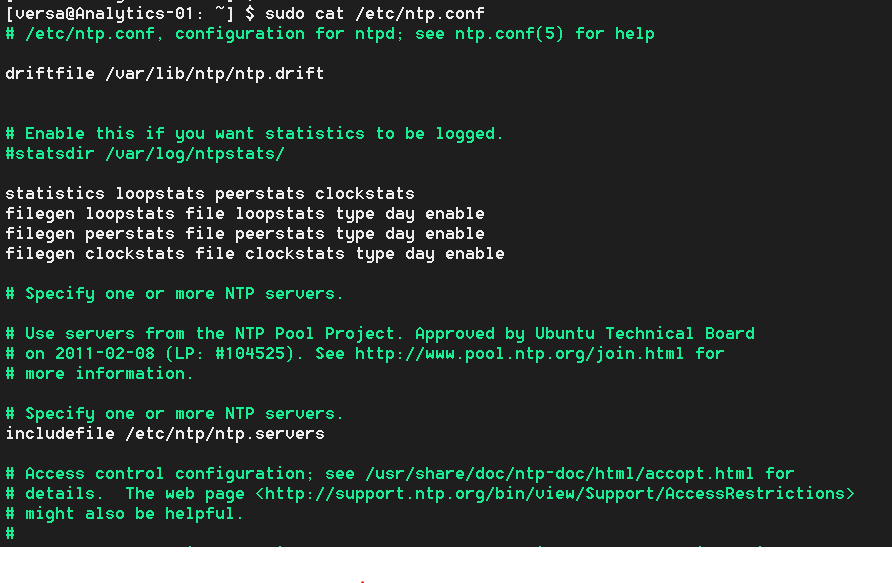
- This file is then called in the /etc/ntp.conf file:
- Run sudo vsh restart command to restart vsh services in Versa Analytics shell prompt.
versa@versa-analytics:~$ sudo vsh restart
Follow these steps to set NTP configuration in Versa Analytics via the GUI:
- Login to the Analytics UI directly or from the Directly UI go to Analytics tab.
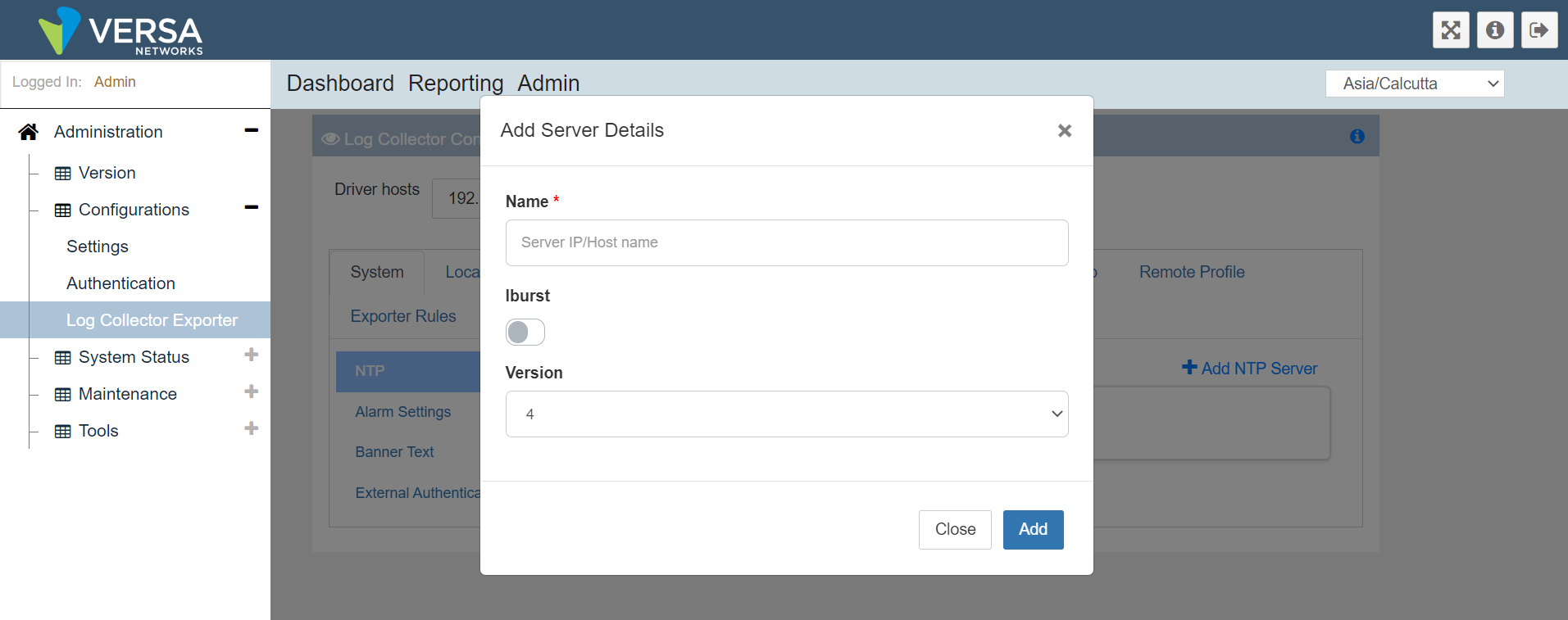
- Browse the Admin > Configurations > Log Collector Exporter > System.
- Click Add new NTP server and add the required details:
- Perform a vsh restart on the Analytics for the NTP changes to take effect.
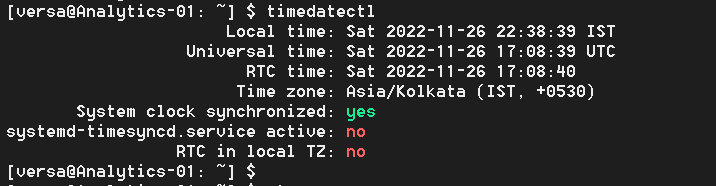
You can run 'timedatectl' from Analytics shell, to validate if the NTP is enabled and synchronized: